

 Português (Brasil)
 Español
 Français
 Deutsch
 Italiano
 Nederlands
 Svenska
 Srpski (latinica)
 日本語
 한국어
 简体中文
 हिन्दी
 Bahasa Indonesia
 Bahasa Melayu
 العربية
 עברית
Minecraft Deep Freeze: what changes on your server
The Minecraft 26.4 drop has a name: The Deep Freeze. See what changes in ice caves, freezing and blocks — and how to prepare your Paper server.
· 5 min read
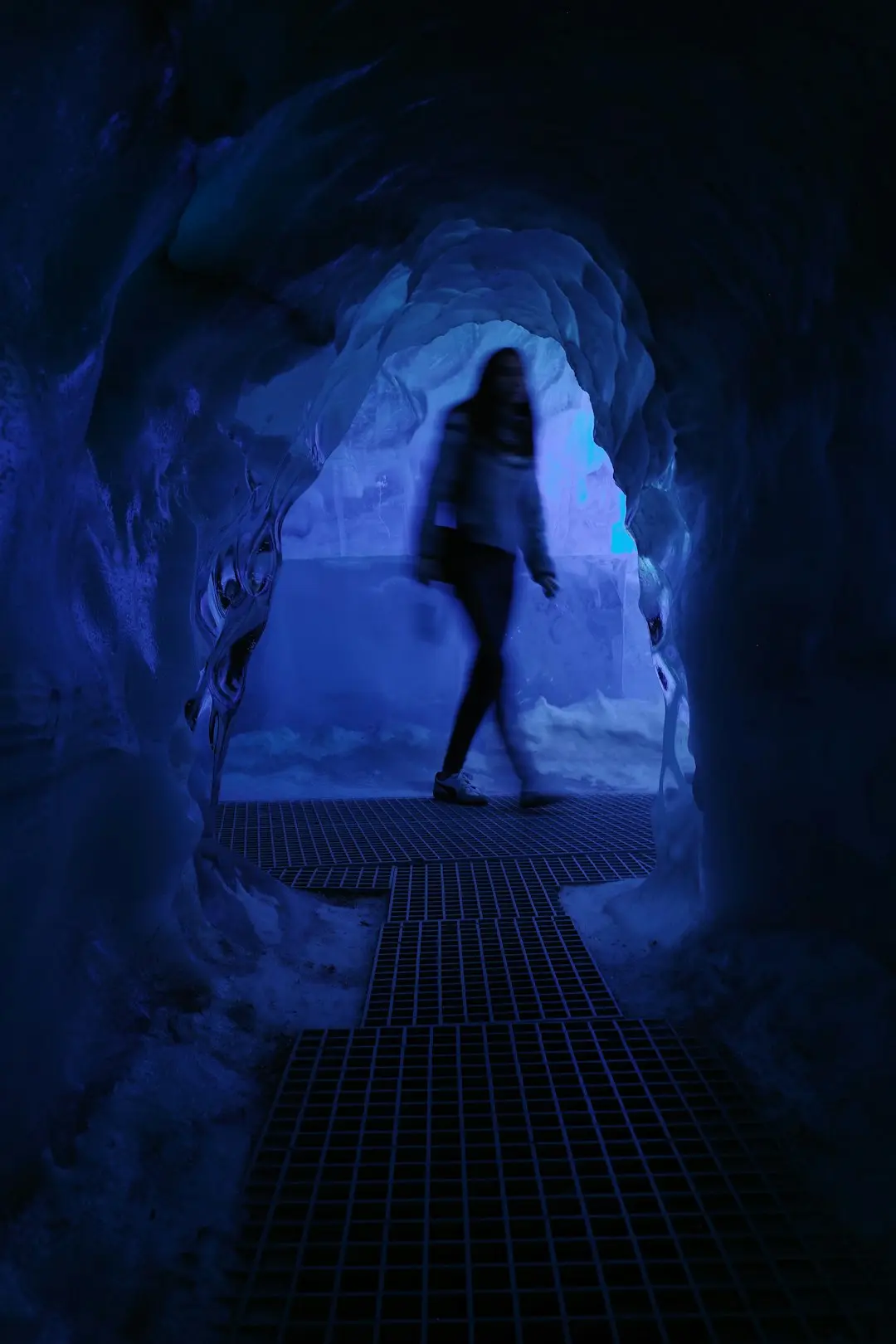
Minecraft Deep Freeze: what the 26.4 drop changes on your server
On November 15, during TwitchCon San Diego, Mojang finally named Minecraft's last game drop of 2026: The Deep Freeze. It is the content that has been tested for months in snapshots and previews and that corresponds to update 26.4 in Java and the 26.70 line in Bedrock. There is still no official release date — and that is exactly why it is worth starting to prepare now.
If you run a Paper or Spigot server with friends, the important question is not only "when is it coming out," but "what do I need to review before switching versions." This guide is about that.
What Deep Freeze brings
According to Mojang's official announcement, the drop includes:
- Ice Caves: underground caves in cold areas, with glowing crystals, Brittle Ice and ice stalactites that can hurt anyone passing underneath.
- Frostbite: a zombie variant tied to the freezing theme.
- About 24 new blocks for building, including brick sets and decorative variations.
- Freezing mechanics for players and creatures.
- A new music disc and the jukebox playlists feature.
You can try all of this today: on Java, through the 26.4 snapshots (Snapshot 9 came out on November 17, followed by Snapshot 10 the same day, fixing a crash on the multiplayer screen); on Bedrock, through Preview/Beta builds, such as 26.70.26.
Important: a snapshot and a preview are not stable versions. A production server does not run on a snapshot.
What this changes in practice on your server
1. Ice Caves only appear in new chunks
This is the point that raises the most questions. World-generation content does not enter already-generated chunks. In other words: if your main map is from 2024, the ice caves will only exist in areas that have never been loaded — usually far from spawn.
The most common options:
- Keep the current world and encourage exploration beyond the edges already visited.
- Create a resource world (a second, separate, resettable world) for exploration and mining, preserving old builds.
- Start a new season with a new seed — a community decision, never improvised on update day.
If you choose a new world or expanding the border, make a backup first. Always.
2. Freezing and farms: review before promising that "everything is the same"
The freezing mechanic changes affected creature rules — in the snapshots, undead mobs became immune to freezing. This can change farms that depended on that effect. If your economy revolves around mob farms, test on a copy first.
Snapshot 9 also brought data-driven dispensers (defined by data, not fixed code). Great for adventure maps and puzzles, but it is the kind of change that often breaks old Redstone in custom maps.
3. Brittle Ice is fun — and a risk
Brittle Ice that gives way under the weight of whoever steps on it is perfect material for parkour, DeathRun, Spleef and PvP arenas. At the same time, it is a block that can ruin paths and builds in public areas. After the update, review your land-protection flags to ensure visitors do not melt or break what they should not.
4. New blocks require adjustments to menus and shops
Twenty-four new blocks mean outdated shop menus, kits and giveaways. Plugins that use fixed item lists (with old names or closed IDs) may not recognize the new materials. It is worth reviewing:
/shopand economy menus (check the prices of the new items);- VIP kits and event rewards;
- resource packs that change block textures.
5. A jukebox with a playlist makes for a better lobby
Playlist in the jukebox is one of those things that seem small until you use it in a hub. You can set up spawn ambience, a minigame waiting room or an event area. Just watch out for conflicts: if you already use a music plugin, decide which of the two controls the sound — two systems playing at the same time is guaranteed chaos.
Compatibility: the step almost everyone skips
Paper and Spigot need their own builds for each game version. They usually come out quickly, but plugins that access Minecraft's internal code (the famous "NMS hooks") are the first to break between versions. Rule of thumb: never update on release day if you have 30 plugins.
Safe sequence:
- Wait for the stable release and confirm that the Paper build for that version already exists.
- Make a full backup of the world and the
plugins/folder. - Spin up a test copy on another server (with the same world, same Java version).
- Update one plugin at a time and restart, reading the console carefully.
- Test the essentials: login, permissions, land protection, economy, teleport commands.
- Only then switch the production version, preferably during low-traffic hours.
Example of conservative adjustments in a test copy:
# server.properties — cópia de teste
online-mode=true
view-distance=8
simulation-distance=6
max-players=10
spawn-protection=16
And, after deploying the new version, a quick check in the console:
version
plugins
tps
If TPS drops or the console fills with UnsupportedClassVersionError errors or plugin stack traces, it's a sign that something needs updating — or that the plugin doesn't support the version yet.
Extra detail: Bedrock Preview 26.70.26 began testing the secondary hand (off-hand) in Bedrock, with arrival in the final game expected next year. On crossplay servers, it's good to know that Java and Bedrock will still coexist with differences for a while.
How Mine Hour helps in this process
Testing a new version requires a second server running the same world — and that's where hourly hosting comes in. On Mine Hour you can spin up a copy of the map in under a minute, test the update with friends, and shut it down when you're done, paying only for the time it's on. Since the server pauses by itself when the last player leaves and backups are automatic, that forgotten test server doesn't turn into a loss.
Conclusion
Deep Freeze is an exploration and building drop: ice caves, new blocks, a frozen zombie, and playlists on the jukebox. For server admins, the message is simple: the new content is easy; the migration is what requires care. Update with a backup, a test copy, and one plugin at a time, and the update becomes just another normal day in the community — with the advantage of reaching the Ice Caves before everyone else.
Sources
- Our coldest drop has an even cooler name (Minecraft.net)
- Minecraft 26.4 Snapshot 10 (Minecraft.net)
- Minecraft 26.4 The Deep Freeze: Ice Caves, Frostbite & Blocks (Pro-Gamer)
- Minecraft 26.4 Update Is Called Deep Freeze, Here's What's Coming (Beebom)
- Minecraft 26.4 Snapshot 9 Adds Vulkan as Default and New Fog Settings (Beebom)
- Minecraft Preview 26.70.26 (Minecraft.net)
- Minecraft 26.4 Named The Deep Freeze With Ice Caves, Frostbites, And Brittle Ice (9Minecraft)
More posts
 How to import a world to the Minecraft serverStep by step to move the single-player world (or another host's) to the server: correct folders, level-name, 26.1 changes and common mistakes.
 How to install plugins on a Minecraft server (Paper)Step-by-step guide to installing plugins on your Paper server: where to download them, how to check whether they loaded, which ones are worth getting first, and how to fix the most common errors.
 How to configure a Minecraft server: administration guideserver.properties, whitelist, operators, gamerules, backups and version switching: the practical guide to administering your Minecraft server without breaking the world.
 Building and survival games to play with friendsSeven building and survival games to play with friends: what each one does best, how many players they support, and how to keep the world online without depending on the host.