

 Português (Brasil)
 Español
 Français
 Deutsch
 Italiano
 Nederlands
 Svenska
 Srpski (latinica)
 日本語
 한국어
 简体中文
 हिन्दी
 Bahasa Indonesia
 Bahasa Melayu
 العربية
 עברית
Maps, parkour and datapacks on your Minecraft server
A practical guide to installing adventure maps, parkour and minigames on your Minecraft server, running multiple worlds, uploading datapacks and checking that everything loaded before inviting your friends.
· 6 min read
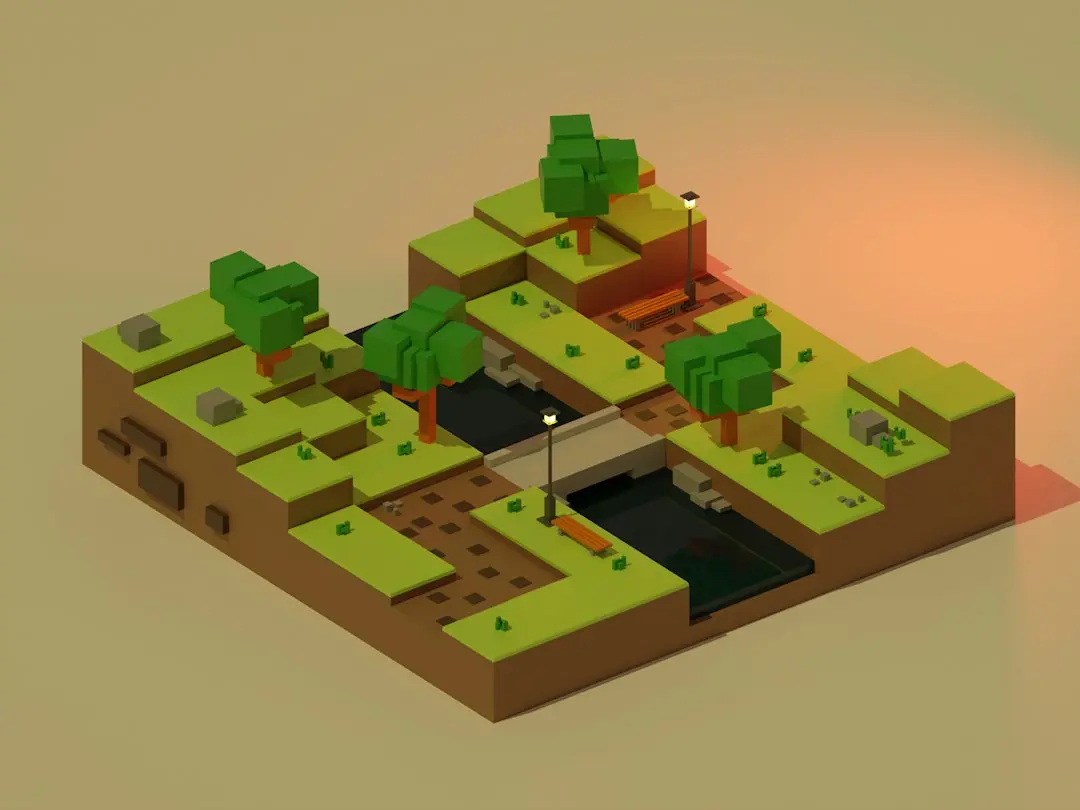
Maps, parkour and datapacks on the Minecraft server
There comes a moment when survival with friends starts to feel repetitive: everyone already has a house, has already killed the dragon, and the conversation turns into "what now?". That's where the good part of Minecraft comes in — community maps, parkour courses, minigames, and datapacks that change the world without requiring anyone to install a mod. This guide shows how to put all of that on your server without breaking the world that already exists.
The logic is simple: a map is the world, a datapack is the rule, a plugin is the command. Understanding this division solves 90% of installation errors.
Map, seed, or datapack? Understand the difference
Before you start downloading files, it's worth knowing what each thing does:
- Map: a ready-made world (folder with
level.dat), made by another player. It can be an adventure with a story, a parkour course, a minigames hub, or a skyblock. You download it, upload it to the server, and switch the active world. - Seed: just the number that generates the terrain. It doesn't bring builds, commands, or story — it's for starting a new survival in an interesting place. If what you want is a ready-made map, a seed won't do it.
- Datapack: a data package that the server reads and applies. It can change world generation, add structures, new drops, recipes, advancements. It runs on vanilla, Paper, and Fabric, and players don't need to install anything.
- Plugin: only exists on Paper/Spigot-type servers. It adds commands, scoreboards, arenas. It also doesn't require anything from the client.
Four checks before installing anything
- Version: check the exact version of your server. At the time this text was written, the stable Java line was at 26.3, with 26.4 still in snapshots — that is, not every pack and every plugin was already updated. Always download the version corresponding to your server, not the newest one on the list.
- Backup: generate a backup of the current world before touching anything. Changing maps without a backup is the fastest way to lose an entire village.
- Source: download maps and packs from Modrinth, Hangar, Planet Minecraft, or the author's official site. A world file can contain command blocks and functions — it's not the place for third-party links.
- Java x Bedrock: Java maps are folders; Bedrock maps come in
.mcworld. You can't mix them.
How to install an adventure or parkour map on the server
The downloaded map usually comes as .zip with a folder inside. What the server needs is for that folder (the one with level.dat inside) to be at the server root, next to server.jar or paper.jar.
Step by step:
- Stop the server from the panel.
- Upload the
.zipto the root and extract it. If the result ends up asaventura/aventura/level.dat, move the inner folder up — a folder inside a folder is the most common mistake. - Open the
server.propertiesand point thelevel-nameto the name of the map folder:
level-name=aventura
gamemode=adventure
force-gamemode=true
enable-command-block=true
spawn-protection=0
allow-flight=true- Save, start the server, and join to test it yourself before calling the crew.
The enable-command-block=true is mandatory in almost every adventure map, because the map's logic usually runs on command blocks. The allow-flight=true, on the other hand, prevents the server from kicking anyone who is flying on maps that use creative flight or elytra.
Adjusting the world rules for the map
After the first login, run the commands below to set the world to the right mood. Each map is a case of its own, but this package works well for adventure and parkour:
/gamerule doDaylightCycle false
/gamerule doWeatherCycle false
/gamerule doMobSpawning false
/gamerule keepInventory true
/gamerule doImmediateRespawn true
/gamerule announceAdvancements false
/difficulty peaceful
/setworldspawn
For parkour, doImmediateRespawn and keepInventory are essential: nobody wants to lose the run waiting for the death screen. In horror or PvP maps, reverse it and let death hurt.
Running multiple maps at the same time
One server, one active world. If you want parkour and adventure and the group's survival coexisting, the way is the Multiverse-Core plugin, which creates and manages multiple worlds on the same server. The basic commands:
/mv create parkour normal
/mv create aventura normal -t flat
/mv list
/mv tp parkour
Each world has its own folder (parkour, parkour_nether, parkour_the_end in Paper/Spigot installations), so backups remain organized. Check the documentation for the plugin version before using it: command names change between versions, and an outdated /mv is a classic source of headaches.
It's worth remembering: an extra world consumes RAM and CPU. If the group is small, sometimes it pays off to run a server with just one map and change maps every season, instead of keeping five loaded at the same time. Servers billed by the hour, like those from Mine Hour, help with this rotation — you shut down the parkour season when it's over.
Minigame plugins: you can set them up without programming
If you don't want to hunt for a map, there are plugins that bring the arena and logic ready-made. The 2026 list has packages that deliver several modes in a single .jar (BedWars, SkyWars, Spleef, parkour with checkpoints and scoreboard) and plugins dedicated only to racing, with protection against shortcuts.
What to look out for before buying or downloading:
- Declared compatibility: the author must list the Paper/Java version. A 1.21 plugin rarely works without adjustment on 26.x.
- Dependencies: some require Vault, LuckPerms, or an economy plugin.
- Ready-made arenas vs. automatic generation: automatically generated worlds are more practical, but less pretty.
- Admin commands: read the resource page. Each author uses their own prefix (
/bw,/skywars,/parkour), and there is no standard.
Installation, deep down, is always the same: .jar in the plugins/ folder, restart, configure in plugins/NomeDoPlugin/, and grant permissions in LuckPerms.
Datapacks: where to put them and how to check if they loaded
Here is the #1 mistake in most tutorials: a datapack does not go in the server root. It goes inside the active world folder, in datapacks/:
servidor/
├── server.jar
├── server.properties
└── world/            ← nome definido em level-name
    └── datapacks/
        └── Terralith.zip
The file can be the original .zip or an unpacked folder. After uploading:
/datapack list available
/datapack list enabled
/datapack enable "file/Terralith.zip"
/reload
The /reload reloads functions, loot tables, recipes and advancements. World generation does not reload — it runs once per chunk. So:
- A terrain datapack (Terralith, Tectonic) and a structures datapack (Dungeons and Taverns) must go in before the world is generated, or it will only appear in new chunks, far from spawn.
- The Nether datapack (Incendium) and the End datapack (Nullscape) affect those dimensions: test in a new world before applying it to everyone's world.
- Tweak datapacks (VeinMiner, Vanilla Tweaks, advancement packs such as BlazeandCave's) are usually safe in an existing world, but always with a backup.
An organization tip: a single .zip per pack, clear names, and no two packs messing with the same biome. World generation conflicts don't throw console errors — they just generate strange things later.
Minigame night itinerary
If you want to test all of this next weekend, here's an itinerary that works:
- Warm-up (20 min): a short parkour map, with
keepInventoryenabled and a scoreboard to see who finishes first. - Main (1h): a 2-to-4-player adventure map,
gamemode adventureandforce-gamemode=trueso no one breaks the rules. - Wrap-up (30 min): a quick plugin minigame, like a short BedWars or DeathSwap, which requires no map at all.
- Bonus: upload an advancement datapack so the group has a long-term goal during the week.
Conclusion
A map is the world, a datapack is the rule, a plugin is the command — and most problems come from the wrong version, the wrong folder, or a missing backup. Take it slow: install a map, test it alone, adjust the gamerules, then invite everyone. If you want to have everything ready on a server that starts quickly and pauses when the last player leaves, Mine Hour supports Java with Paper, Fabric and Forge — enough to run a map, a datapack and a plugin in the same place.
Sources
- Best Minecraft Data Packs in 2026 and How to Install Them on a Server
- Add data packs to a Minecraft server
- How to Change the World on a Minecraft Server (Java)
- Minecraft has free parkour maps and this is how to install them
- Midnight-Minigames (Paper 26.3)
- Parkour Pro Lite (26.3, 1.20.1)
- Minecraft 26.4 Snapshot 8 fixes Ender Dragon flight
More posts
 Building and survival games to play with friendsSeven building and survival games to play with friends: what each one does best, how many players they support, and how to keep the world online without depending on the host.
 Minecraft server to play with friends: 2026 guideStep-by-step guide to creating a Minecraft server and playing with friends: Java vs Bedrock, RAM, whitelist, invites, crossplay on mobile and common errors.
 Games to play with friends: 12 co-op and Minecraft-like optionsList of games to play with friends: online and local co-op, Minecraft-like sandboxes, and what each one does best for your group.
 Multiple worlds on the same Minecraft server: a practical guideLearn how to run lobby, parkour, minigames and adventure in separate worlds on the same Minecraft server, keeping maps, seeds and datapacks in the right place.