

 Português (Brasil)
 Español
 Français
 Deutsch
 Italiano
 Nederlands
 Svenska
 Srpski (latinica)
 日本語
 한국어
 简体中文
 हिन्दी
 Bahasa Indonesia
 Bahasa Melayu
 العربية
 עברית
Invisible armor in Minecraft: how to enable it on the server
Mojang added the Invisible Armor option to Bedrock in Preview 26.70.24: you can now hide your armor and show your skin. See how to enable it, what stays visible and how to test it on the server.
· 6 min read
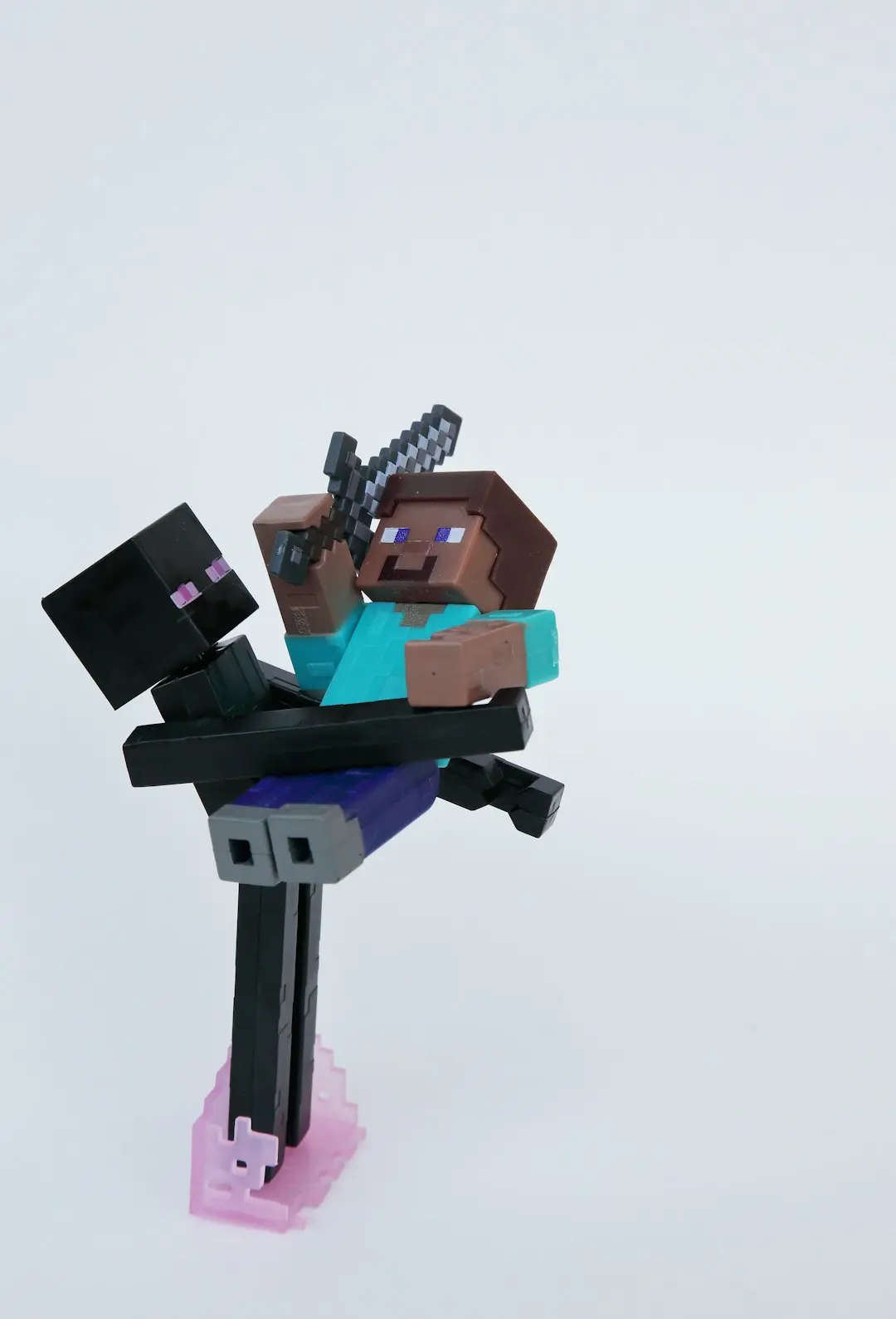
Invisible Armor in Minecraft: how to enable it on the server
You spent ages choosing your skin, joined the server with your friends and... disappeared behind a netherite chestplate. Until now, the only way out was to install a texture pack or a mod. That has changed: on November 10, 2026, Mojang added the Invisible Armor option to Minecraft Bedrock, in the Preview and Beta 26.70.24 builds.
Below, what the feature actually does, what it doesn't hide, what that changes on a server with friends, and how to test everything without risking your main world.
What invisible armor is (Invisible Armor)
The name is quite literal: with the option enabled, you keep using armor normally — with all protection points, enchantments and durability — but it no longer appears on your character. The skin becomes the highlight again.
The important detail for anyone running a server: it isn't an item, it's a world setting. In other words, the world/server owner enables the feature, and then each player chooses whether or not to hide their own armor.
Key points of the feature:
- It arrived in Beta/Preview 26.70.24, from November 10, 2026, within the Bedrock winter drop cycle (version 26.70).
- It is a world setting, and it doesn't require cheats to be enabled.
- The choice is individual: an eye-shaped button in the inventory shows or hides the armor you're wearing.
- For now, Bedrock only. Java Edition hasn't received the feature.
- Because it's in Preview/Beta, the behavior may still change before the stable version.
How to enable it step by step
Who can test it now: Preview on Xbox, PlayStation, Windows and iOS, and Beta on Android (via Google Play). Console and mobile follow the same menu path.
- Update the game to the latest Preview/Beta build.
- New world: when creating the world, open the Advanced tab and enable the Invisible Armor option.
- Existing world: open the world settings and enable the same option.
- Join the world, open the inventory and use the eye button to hide or show the armor.
- Confirm with another player: the effect is visual, so you can only see the result through the eyes of someone else.
It's also possible to control it via chat in worlds with cheats. The community documentation mentions the world rule invisibleArmor, but confirm the name in your world before using it in automations — the feature is recent and may receive adjustments until launch:
/gamerule invisibleArmor trueWorth remembering: the option in the world menus does not require a cheat. The command above is just a shortcut for those who already play with cheats enabled.
What remains visible (and why that's good)
The feature isn't an "invisible mode". It only hides armor pieces (helmet, chestplate, leggings and boots). These are always visible:
- Elytra — the wings appear normally;
- Mob heads (including the carved pumpkin);
- Weapon and items in hand.
And there's a detail that changes everything in PvP: when you take damage, the hidden armor reappears for about 5 seconds. Then it becomes hidden again.
In practice, this keeps the fight fair and readable: if someone hid their armor, you still see what they're wearing at the moment combat happens. In other words, you can't use the option as a disguise to ambush people on the server.
What this changes on a server with friends
If your server focuses on visuals — community survival, events, photo sessions, roleplay servers — this adjustment solves an old problem. Before, people had to choose between protection and appearance, or resort to texture packs that hid armor from everyone, including enemies.
In practice, you can use it like this:
- Events and photos: everyone with armor enabled, but with their skin showing in screenshots.
- Roleplay and RPG: characters with "aesthetic armor" without needing a plugin or item workarounds.
- Skins and in-game shops: the character's look becomes more valuable within the community.
- Tutorials and content: it becomes much easier to record videos and show the character without that helmet covering their face.
Just don't count on this as a replacement for a cosmetics system. The option is global in the world and binary: it hides everything or shows everything. Anyone who wants to sell custom armor skins will still need an add-on or plugin.
How to test without ruining the main server
Preview and Beta builds are test versions: they may have bugs and strange behavior. If you want to see the option working with your group, the safe path is to set aside a test world and make a backup before anything else.
# Backup rápido do mundo antes de mexer em versão de teste
cd /caminho/do/servidor
mkdir -p backups
tar -czf backups/mundo-$(date +%F-%H%M).tar.gz worlds/
If you run a Bedrock Dedicated Server, a snippet of server.properties for the test server usually looks like this:
# server.properties — servidor de testes
server-name=Teste Armadura Invisivel
level-name=teste-visual
gamemode=survival
difficulty=normal
allow-cheats=false
online-mode=true
view-distance=10
player-idle-timeout=30
Note that allow-cheats=false doesn't prevent use of the option: it's in the world settings. Only leave cheats enabled if you want to use the gamerule command to quickly turn everything on or off.
A tip from someone who’s been through this: keep the main server on the stable version and only enable the feature when the Bedrock winter drop (26.70) actually comes out. While it’s a Preview, the world can be flagged as experimental, and then migration becomes a headache.
If you want a separate environment just for this test, it’s worth spinning up a temporary server with your group: on Mine Hour you start the server, replicate the test world, and it pauses on its own when the last player leaves, so the test doesn’t keep burning hours for nothing.
And on Java Edition?
For now, nothing official. Java still doesn’t have the option in the world menu, and Java players need alternatives:
- Texture packs that make armor textures transparent — they work, but they affect every player who accepts the pack, including in combat;
- Client mods with individual control, which require each player to install them on their side;
- Cosmetic plugins on Paper/Spigot servers, when the goal is to sell or grant armor skins by permission.
The difference is big: on Bedrock the choice belongs to the player and the effect is instant; on Java, everything goes through a resource pack or mod. If your community is mixed, it’s worth letting Java players know the feature hasn’t arrived there yet.
Conclusion
Invisible armor is one of those small changes that solve an old annoyance: you can show off your skin without giving up protection. For now, it’s a Bedrock Preview/Beta feature — which means the right time to plan is now, and the time to enable it in production is when the stable version of the winter drop arrives.
The practical summary:
- Check whether the Invisible Armor option appears in the world settings (Advanced tab, in new worlds).
- Test in a separate world, with a backup made.
- Explain to the crew that the armor reappears for a few seconds when taking damage.
- Wait for the stable version before enabling it on the main server.
Once that’s done, the server’s next screenshot will show everyone’s skin — and nobody will lose protection because of it.
Sources
- Minecraft Beta & Preview 26.70.24 — Minecraft Feedback
- How to Hide Armor in Minecraft Bedrock — GamerCubic
- Minecraft can finally hide your armor, but it flashes back for 5 seconds when you take a hit — Output Lag
- Minecraft Invisible Armor: How to Hide Equipment in Bedrock — The Click GG
- Bedrock Preview 26.70.24 Adds Invisible Armour and Switch 2 Mouse Mode — 9Minecraft
- Invisible Armor in Minecraft: hide your armor on Bedrock — Endgame Tools
More posts
 Building and survival games to play with friendsSeven building and survival games to play with friends: what each one does best, how many players they support, and how to keep the world online without depending on the host.
 Minecraft server to play with friends: 2026 guideStep-by-step guide to creating a Minecraft server and playing with friends: Java vs Bedrock, RAM, whitelist, invites, crossplay on mobile and common errors.
 Games to play with friends: 12 co-op and Minecraft-like optionsList of games to play with friends: online and local co-op, Minecraft-like sandboxes, and what each one does best for your group.
 Multiple worlds on the same Minecraft server: a practical guideLearn how to run lobby, parkour, minigames and adventure in separate worlds on the same Minecraft server, keeping maps, seeds and datapacks in the right place.